What is a Temporary Email & How It Works?
What is a Temporary Email & How It Works?
In today’s digital world, almost every website asks for an email address. Whether you are signing up for a free trial, downloading an eBook, joining a newsletter, or accessing an online tool — your inbox becomes a target for spam within minutes.
That’s where temporary email steps in.
A temporary email (also called temp mail, disposable email, throwaway email, or 10-minute mail) is a short-lived email address that you can use without sharing your real identity. It helps protect your privacy, block spam, and stay safe online.
But what exactly is a temporary email?
How does it work behind the scenes?
Why do millions of people use it every day?
Let’s explore in detail.
What is a Temporary Email?
A temporary email is a disposable email address that exists only for a limited time — usually a few minutes to a few hours. You can use it to receive emails, OTPs, verification codes, download links, or signup confirmations without sharing your personal email account.
Unlike Gmail or Outlook, a temporary email:
doesn’t require registration
doesn’t ask for personal details
deletes automatically
protects your identity
helps you avoid unwanted spam
Once the time expires, the mailbox is permanently deleted.
Why Do People Use Temporary Emails?
Here are the most common reasons:
1. To Avoid Spam
When you share your main email everywhere, companies send promotional emails nonstop. Temp mail helps keep your real inbox clean.
2. To Stay Anonymous
You can sign up on websites without revealing your identity. No name, no phone, no password — just click and use.
3. For Testing Purposes
Developers and testers use temp mail to test registrations, login flows, and email verification systems.
4. For One-Time Tasks
Need to download a PDF? Claim a coupon? Get a discount code?
Use a disposable email, not your real one.
5. For Risky or Untrusted Websites
If you don’t trust a platform, never share your real email. Temp mail is the safest option.
How Does Temporary Email Work? (Simple Explanation)
Even though it feels magic, temp email works through a simple process:
1. A Random Email Address is Generated
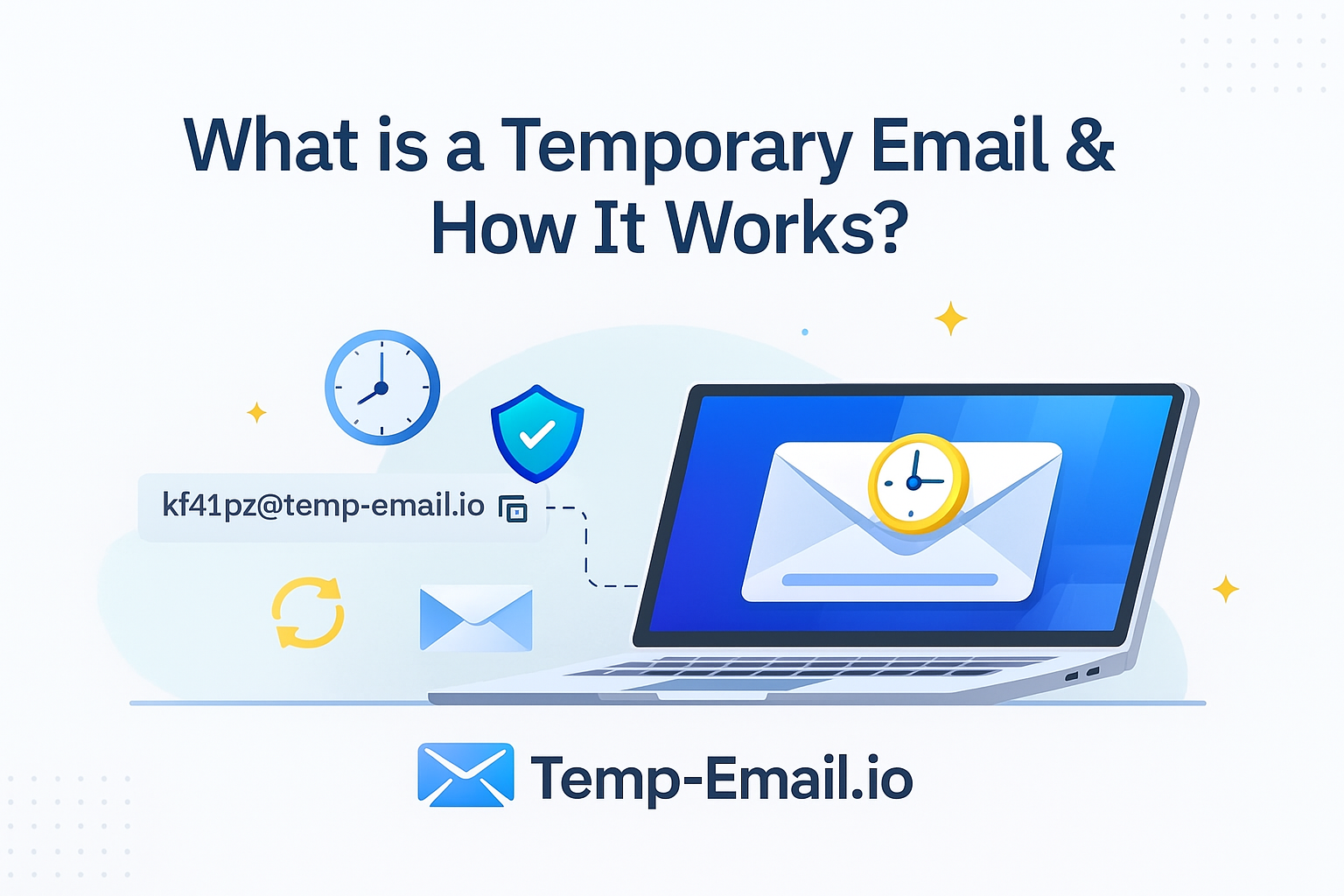
When you visit a temporary email website, the system creates a random address like:
This email is unique and linked to your device session.
2. The Mail Server Waits for Incoming Messages
Behind the scenes, a mail server constantly checks for incoming messages for that random inbox.
If a website sends:
OTP
confirmation link
promo code
signup verification
It lands in your temporary inbox instantly.
3. You Read the Email
You can read incoming messages without login or password.
4. Automatic Deletion
After a specific time (10 minutes, 24 hours, or session-based), the system deletes:
the email address
the inbox
all message data
Everything is gone permanently for privacy.
Is Temporary Email Safe to Use?
Yes — temporary email is safe as long as you use it correctly.
✔ Great for signups
✔ Safe for receiving OTPs for non-financial platforms
✔ Perfect for avoiding spam
✔ Protects privacy
✔ No personal details stored
However, avoid using it for:
banking
personal accounts
cloud services
important registrations
These require your permanent email.
Benefits of Using Temporary Email
Zero Spam: Keeps your primary inbox clean
Anonymous: No identity, no personal data
Quick to Use: No registration required
Secure: Messages auto-delete
Free: Works instantly without setup
Useful for Testing: Great for developers and QA teams
Who Needs a Temporary Email?
Students
Developers
Testers
Online shoppers
Freelancers
Marketers
Anyone who wants a cleaner inbox
Anyone who values privacy
Real-World Use Cases
✔ Signing up for new apps
✔ Downloading free tools/eBooks
✔ Joining giveaways
✔ Testing email verification
✔ Accessing discount coupons
✔ Blocking promotional messages
✔ Safe browsing on suspicious websites
Conclusion
A temporary email is one of the easiest ways to protect your digital identity. It keeps your personal inbox safe from spam, shields you from data leaks, and allows you to browse the web freely without sharing your real information.
Whether you are testing something, signing up quickly, or avoiding spam — temporary email services like Temp-Email.io make it simple and secure.